After you buy
Your order page
After you pay (or right away, for free tickets), you land on a Your order page showing your Confirmation code and how many tickets you bought.
- 🎉 "Payment confirmed — your tickets have been emailed." You're all set.
- ⏳ Status: pending. The payment is still being confirmed. The page checks every few seconds, so leave it open for a moment.
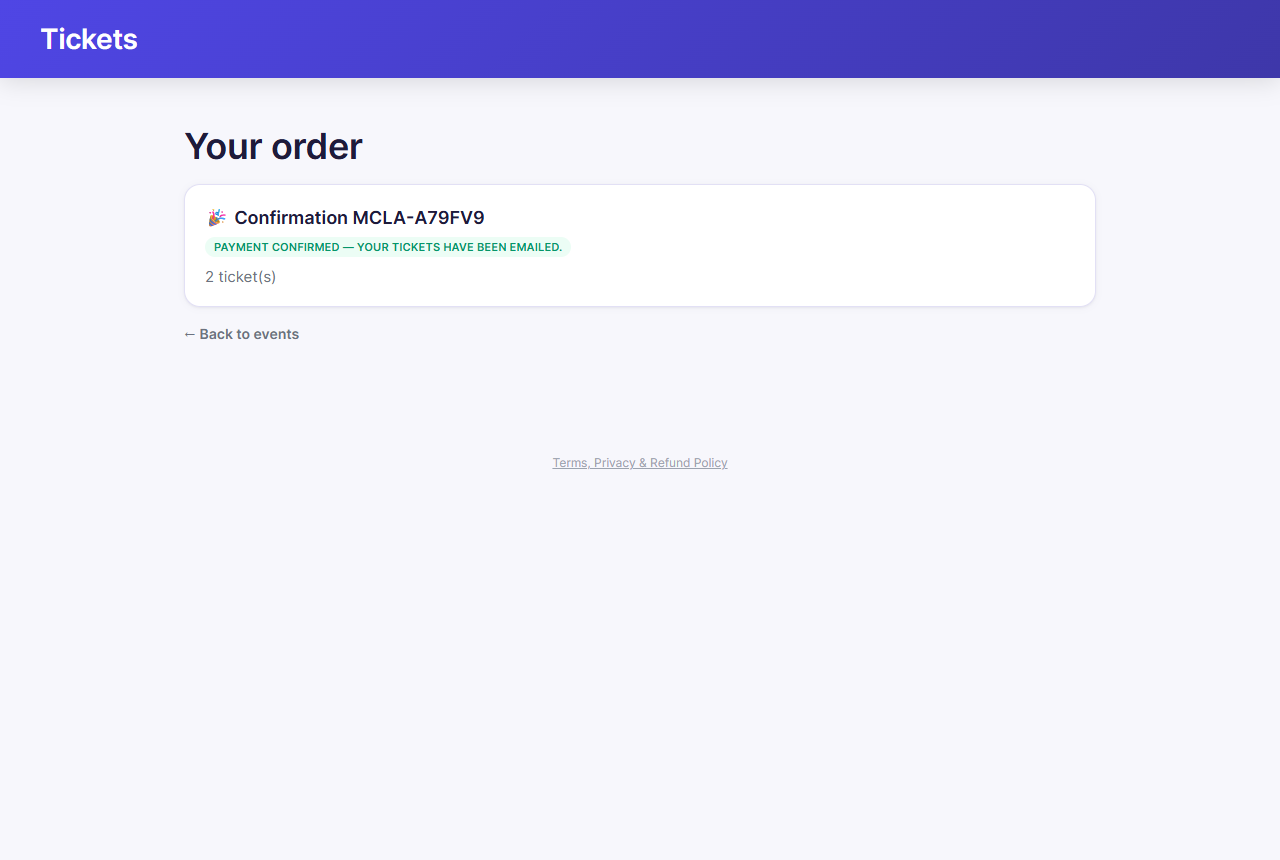
Write down or screenshot your confirmation code. It's the fastest way for door staff to find your order.
Your tickets
Your confirmation email and pre-show reminder email include the organizing club's name and address, the venue's address, notes, and a Get directions link, the performance date and time, each ticket's section/row/seat (or general admission type) and ticket holder, and any add-on items or donation on your order, along with a PDF containing a QR code for each ticket. You can:
- Show the QR code on your phone at the door, or
- Print the PDF at home.
Each person in your group needs their own QR code, so bring every ticket, not just one.
Find my tickets
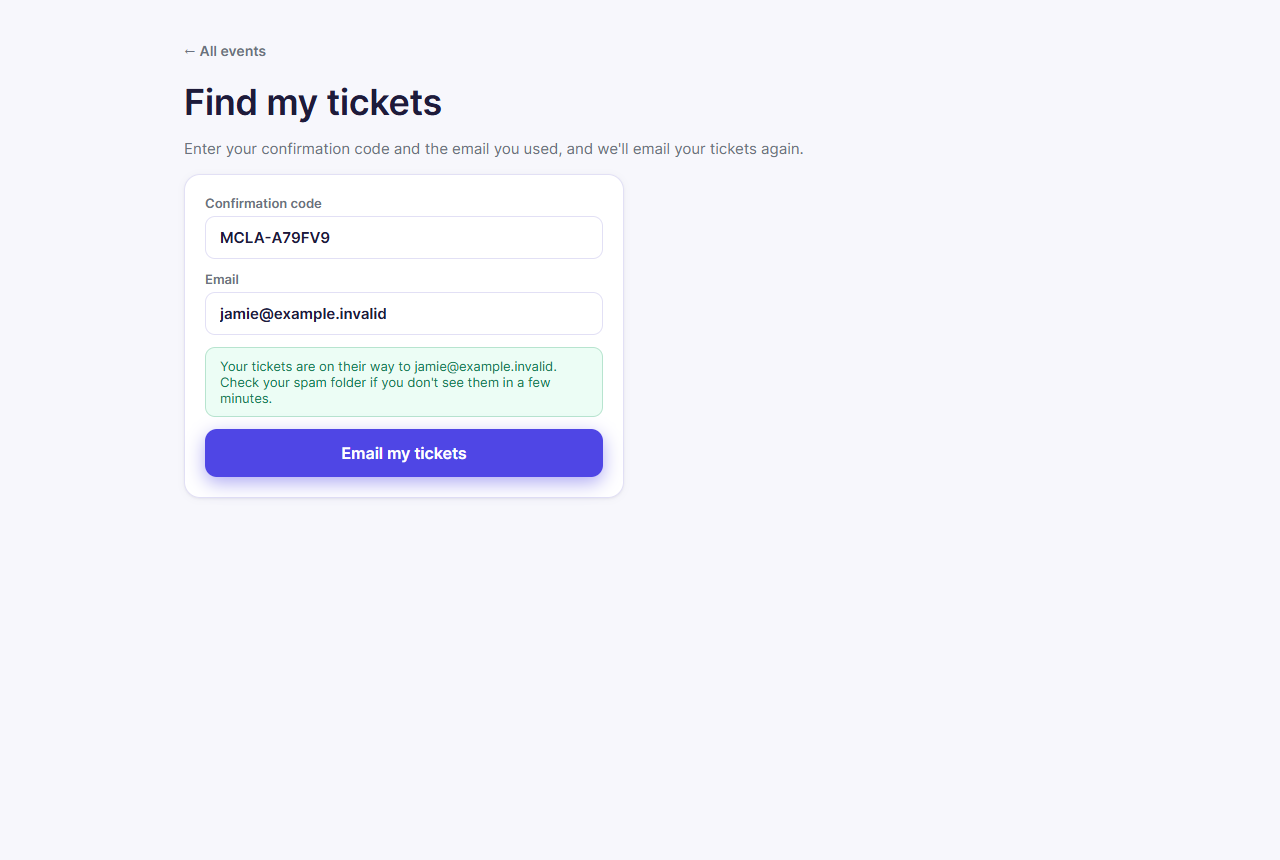
Lost the email? On the organization's events page, click Already bought tickets? Find my tickets →. Enter your confirmation code and the email you bought with, then click Email my tickets. They'll be sent to that address again.
Waitlist offers
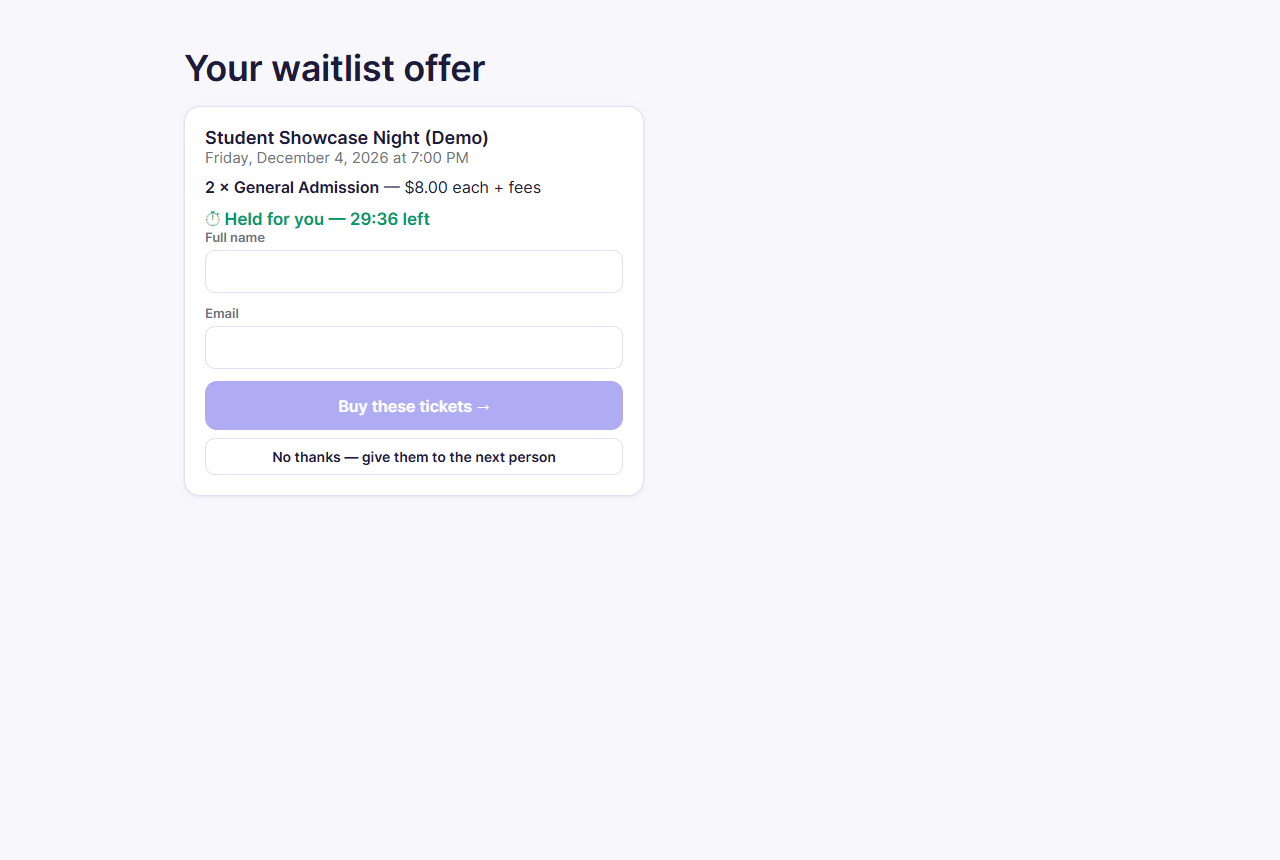
If you joined a waitlist and tickets open up, you'll get an email titled "Tickets are available: [event]". Open its link to see your offer:
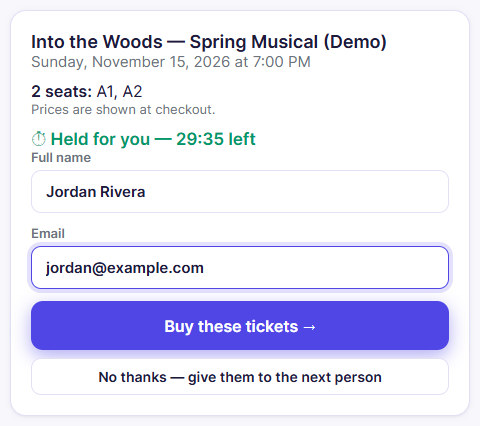
- The page shows the tickets held for you (for reserved seating, your seat numbers) and a countdown. You have 30 minutes.
- Enter your name and email and tap Buy these tickets → to pay.
- Don't want them? Tap No thanks — give them to the next person.
If the time runs out, the offer passes to the next person in line.
At the door
Staff scan each QR code. If a code won't scan, or you can't find your email, go to the check-in table and give your name, email, or confirmation code. They can look you up and check you in.
Refunds
Refunds are at the organizing club's discretion. Each organization's refund policy is linked from Terms, Privacy & Refund Policy at the bottom of its pages, and from checkout. To ask for a refund, contact the organization directly. Their contact details are on the event page, under the venue information.
Troubleshooting
| If... | Do this |
|---|---|
| The email hasn't arrived | Check your spam or promotions folder, then use Find my tickets |
| Find my tickets says the email doesn't match | Use the exact email you bought with. If you typed it wrong at checkout, contact the organization with your confirmation code |
| The order page stays on "pending" | Wait a minute and refresh. If it doesn't change, contact the organization before buying again, so you aren't charged twice |
| A waitlist offer link says it's expired | The 30 minutes ran out. If you're still interested, contact the organization |