For Ticket Buyers
These pages are for parents, students, and fans buying tickets from a school group or club. You don't need an account to buy.
Organizers can share these pages with their buyers, or use them to see exactly what buyers see.
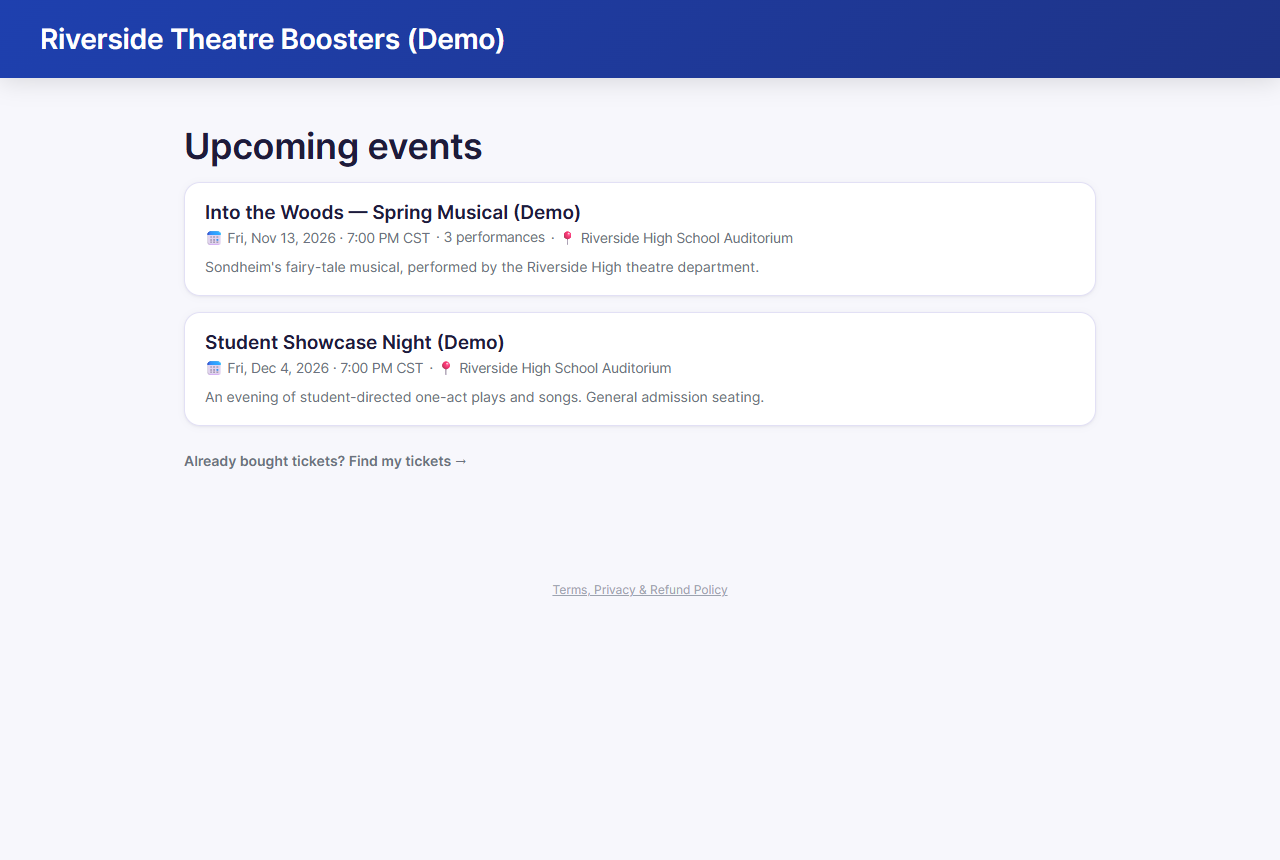
How it works
- Open the link or scan the QR code your organization shared (on a flyer, email, or social post).
- Pick a date and time.
- Pick your seats (and a ticket type for each), or choose how many tickets you want. Have a presale or discount code? Tap Have a code?.
- Enter your name and email, and pay.
- Your tickets arrive by email. Show the QR code at the door.
Sold out? You can join the waitlist. Lost your tickets? Use Find my tickets on the organization's events page.
In this section
- Buying tickets: choosing seats and ticket types, codes, the waitlist, and checkout
- After you buy: your confirmation, finding your tickets, waitlist offers, getting in, and refunds
Related
- Getting Started: for organizers setting up ticket sales