Getting Started
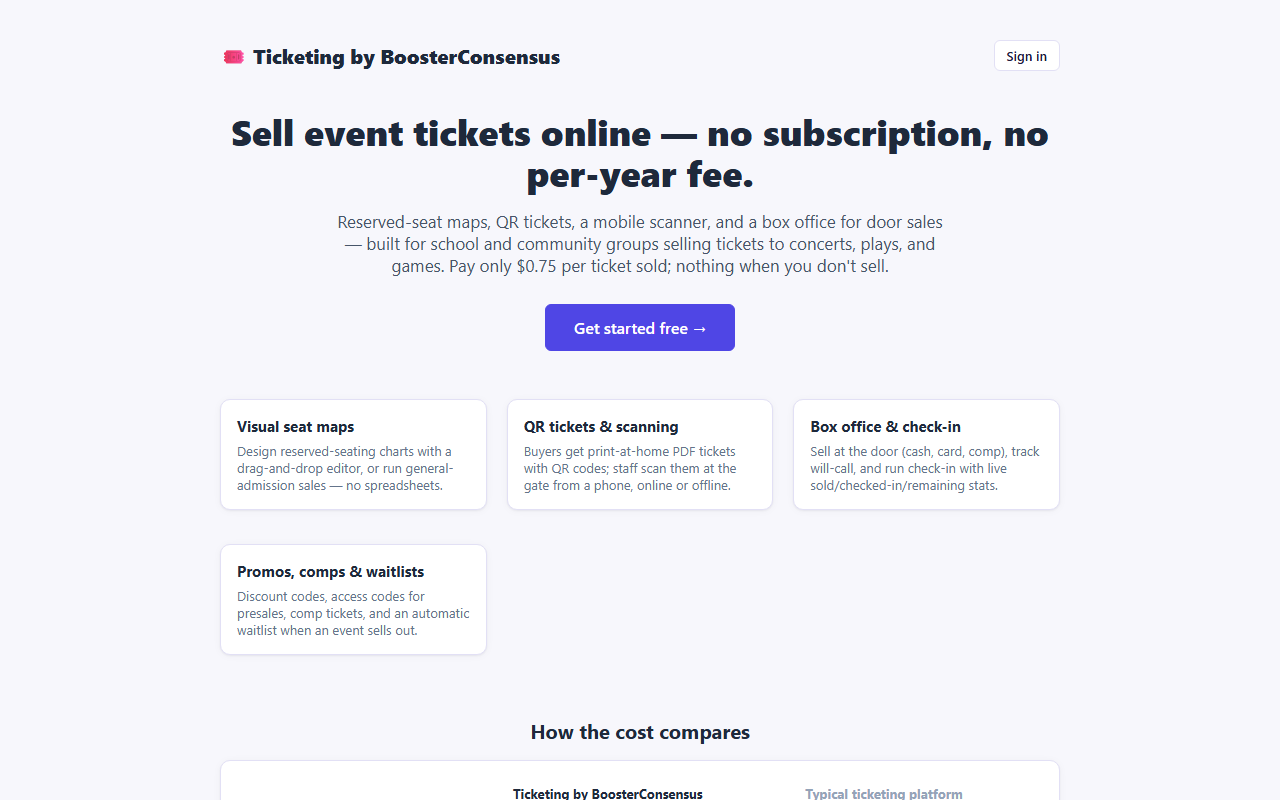
Ticketing by BoosterConsensus is a ticketing-only account for school and community groups: build your events and seat maps, sell tickets online, scan them at the door, and sell at a box office. You don't need a BoosterConsensus club-management subscription to use it.
Your first hour
- Create your account — your organization, your school, and your admin login.
- Sign in and get to know the tabs across the top of the screen.
- Connect Stripe or Square in your Ticketing by BoosterConsensus account so you can take card payments online.
- Add a venue and build a seat map (skip this for general admission).
- Create your first event and put it on sale.
- Add your door and box office volunteers.
How the app is organized
After you sign in, the tabs you see depend on the permissions your account holds. A club admin sees all of them:
| Tab group | Tabs | Permission needed | Help section |
|---|---|---|---|
| Manage | Events, Orders, Venues, Seat Maps, Waitlist, Reports, Gates & Registers, Payments | Manage Ticketing (Studio) | Manage Tickets |
| Door | Scanner, Check-in | Scan Tickets / Check-in | Door Scanning & Check-in |
| Sales | Box Office | Run Box Office | Box Office |
Your organization name, a Switch club button, and Sign out are always at the top right.
When your club opens Ticketing from inside BoosterConsensus (Open Booster Ticketing), a slim window-switcher bar across the top (🎟️ Studio, 💵 Box Office, 📋 Check-in, 📷 Scanner) lets you jump directly between any ticketing tools your permissions allow without going back to the BoosterConsensus dashboard. Inside Studio, you'll also see tabs for 🎟️ Events & Tickets, 🏛️ Venues, 🚪 Stations, 🍿 Add-ons, and 📊 Reports.
Note: Event setup and seat maps are roomier on a tablet or computer (where panels sit side by side), though you can still make quick edits from a phone. Scanner, Check-in, and Box Office are built for phones, tablets, and laptops alike.
In this section
- Create your account — sign up as a new, ticketing-only organization
- Signing in — sign in, reset a password, switch between clubs
- Adding staff and permissions — give volunteers access to scanning, check-in, or the box office
- Upgrade to full BoosterConsensus — add dues, polls, committees, and accounting when you're ready
Related
- Manage Tickets: build events, venues, and seat maps
- For Ticket Buyers: what your buyers see
- Accessibility, Pricing & Payments Resources: official guidance on accessible seating and ticket pricing