Seat Maps tab (practice canvas)
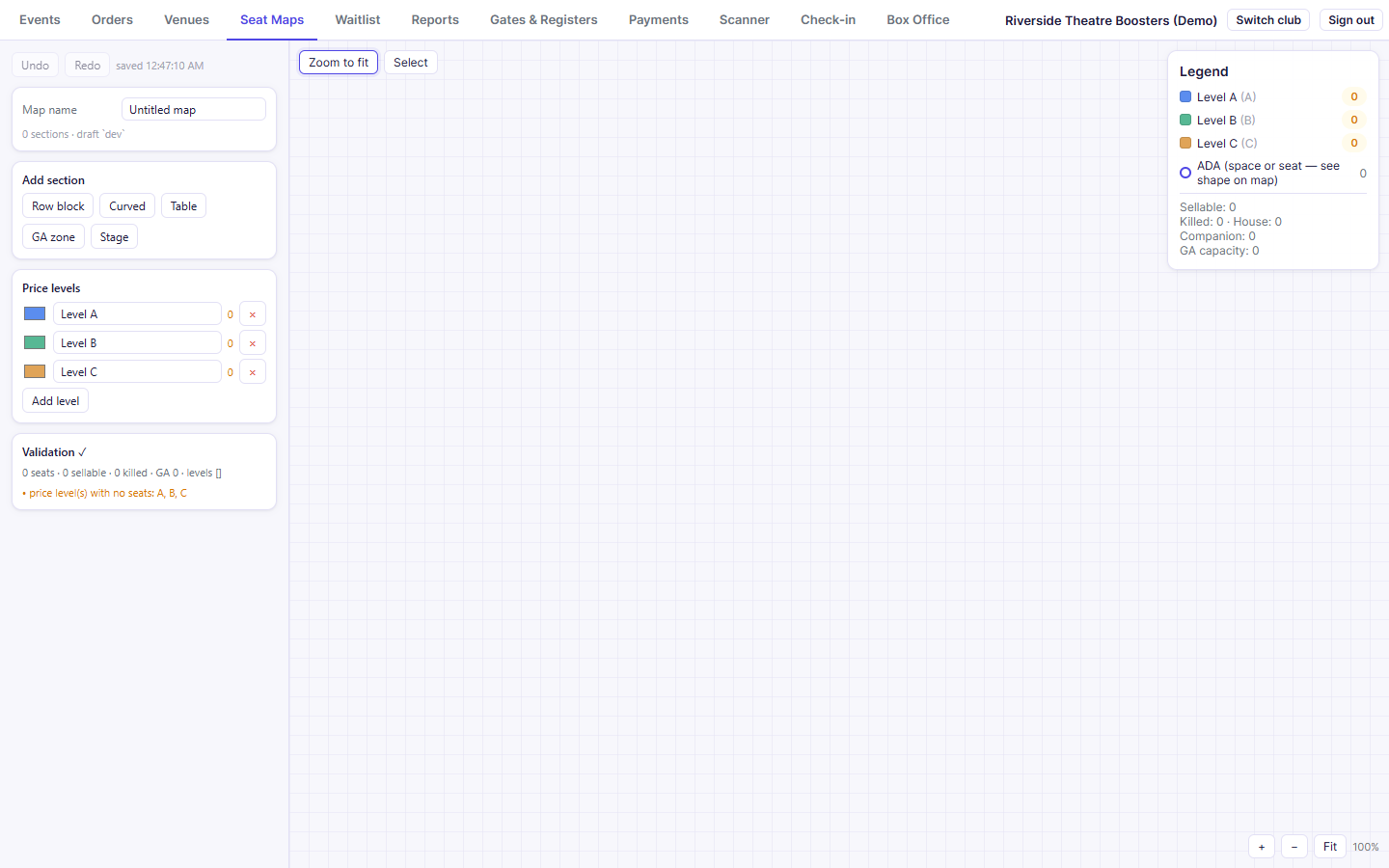
The Seat Maps tab opens the same editor as Venues → Edit seats, but as a practice canvas. Use it to try out a layout before you build the real one.
Where to find it: Seat Maps tab
Who can use this: anyone with Manage Ticketing (Studio)
What's different from the real editor
- Your work is saved only in this browser on this device. It isn't saved to your club, other people can't see it, and events can't use it.
- There are no Save draft or Publish buttons.
Build the real map instead
To create a seat map your events can use:
- Go to the Venues tab and select your venue.
- Create a map with New map, then click Edit seats on its draft.
- Build the layout there and click Publish.
See Venues and the Seat map editor.
Related
- Seat map editor: how every editor control works